


Having good ways for customers to ask custom pricing matters a lot when you sell variable or bulk items. A quote form lets you collect specific info so you respond correctly. The request quote WooCommerce feature by Extendons gives you that ability without having to build forms by hand.
If you want customers to send quote requests, you need a plugin that supports custom forms with many field types, ability to set field rules, mandatory fields, etc. That plugin is this one from Extendons. In this blog you will learn step by step how to build your quote form using woocommerce request a quote plugin.
You will learn how to add unlimited fields, make them required or optional, control which users see which fields, and configure field labels, placeholders and position. By the end you will have a quote form that captures all needed info from clients so quoting becomes precise.
Why Custom Quote Submission Forms Matter
A generic form may not capture what your customer really needs. Without right input you send back quote estimates that miss features or quantities. That causes back and forth and sometimes lost sales. A form with unlimited fields lets you ask exactly the things you need like file uploads, date or time or special instructions or user role specifics. This clarity helps save time.
Also people feel more confident when the form asks for what matters. If you set mandatory fields some clients fill more carefully. If some fields are optional you don’t scare off customers who just want a simple quote. With request quote WooCommerce plugin you get flexibility to build forms that match your product’s complexity.
Step by Step: Build Your Custom Quote Submission Form
Here is how you set up a quote submission form with unlimited fields using the WooCommerce Request a Quote plugin by Extendons
1. Install and Activate the Plugin
- Get the plugin “Request a Quote for Price for WooCommerce” from Extendons site or your WooCommerce dashboard.
- Upload the plugin ZIP in your WordPress admin under Plugins → Add New → Upload.
- Install and then Activate the plugin.
2. Setup Visibility & Button Rules
- After activation go to plugin settings where you set who sees the quote button. You can show buttons to all users, specific user roles, logged‐in users or guest customers.
- Choose whether to replace the “Add to Cart” button or hide it, or hide price too for those products or categories.
3. Create Quote Submission Form
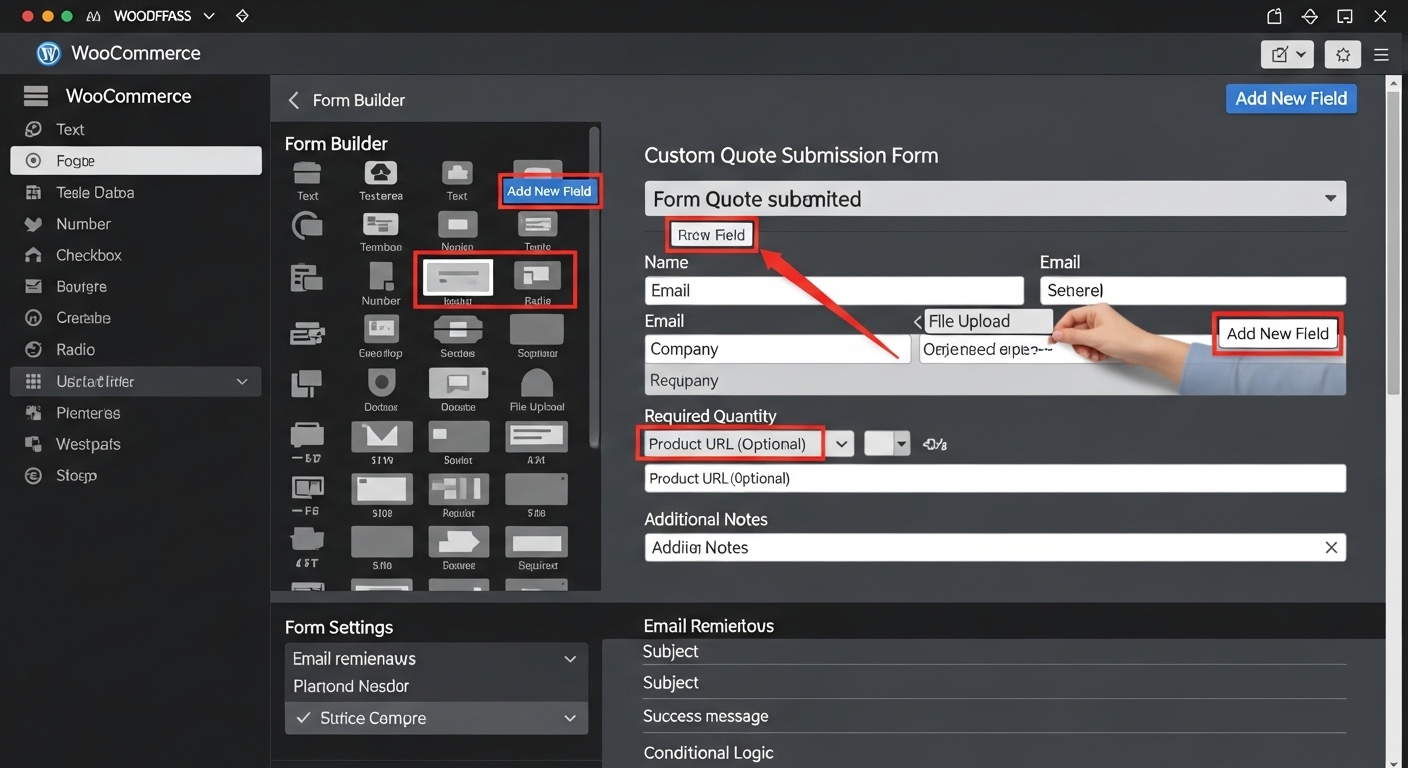
- Go to the form settings in the plugin. There you can add unlimited fields to the quote form.
- For each field pick a title, choose its type from among 13 field types: text, email, number, file, time, date, dateTime, textArea, select (dropdown), multiselect, radio, checkbox, terms & conditions.
- Set a placeholder or default value for fields if you want. Label each field. Choose if the field should appear first, last or wide in form layout.
4. Configure Field Rules
- Mark which fields are mandatory. If you need input, always ensure it’s required.
- Make some fields optional if fine. Don’t force too many requirements or might scare people off.
- Choose which user types see which fields. Maybe some fields only for logged in users or certain roles. Guests might skip complex ones.
5. Style & Button Settings
- Customize button text or style for “Add to Quote” or “Request Quote” buttons. Change text colors, background colors etc.
- Choose if the button is a link or a styled button. Place on product pages or category pages based on your preference.
6. Email Notifications & Submission Flow
- Set up admin email templates notifying you when someone submits a quote. Also set up customer email for statuses like accepted, pending, rejected etc.
- Use placeholders like customer name, quote number and order number (if quote converts) to personalize messages.
7. Approval & Conversion to Order
- Once a quote is submitted you can manage it from the admin dashboard. You can accept, reject or modify quotes.
- If accepted, allow the customer to convert the quote into order when ready.
Best Practices for Your Custom Quote Form
To make your quote form work well keep these in mind:
- Ask only for what you need. Too many fields might scare users away.
- Keep the form layout simple and clear. Fields in order that makes sense.
- Put required fields early. Then optional ones later.
- Make sure file upload types are safe. If you allow file type restricted by size.
- Test form as guest user and logged in user. See if visibility rules behave right.
Conclusion
A well built quote form is more than a way for people to ask for a price. It is a bridge between what the customer expects and what you deliver. With Extendons request quote WooCommerce you get full control on your form fields visibility rules and required fields.
You capture the right detail so quoting becomes accurate less back and forth with the customer. Use unlimited fields properly so you ask helpful info not overload customers. When you make quote form easier for customers you make yourself more likely to close deals.
Always test experience before going live. Collect feedback and tweak field layout or wording over time.