


The internet feels instant and reliable most of the time, which is why connection errors can be especially frustrating when they appear without warning. One such error that many users encounter while browsing is ERR_ADDRESS_UNREACHABLE. At first glance, the message may look technical or intimidating, but in reality, it points to a fairly common networking problem.
This article explains what the ERR_ADDRESS_UNREACHABLE error means, why it happens, and how you can fix it quickly. Whether you are a regular internet user, a site owner, or someone troubleshooting a local network, this guide will help you understand the issue clearly and resolve it with confidence.
What Is the ERR_ADDRESS_UNREACHABLE Error?
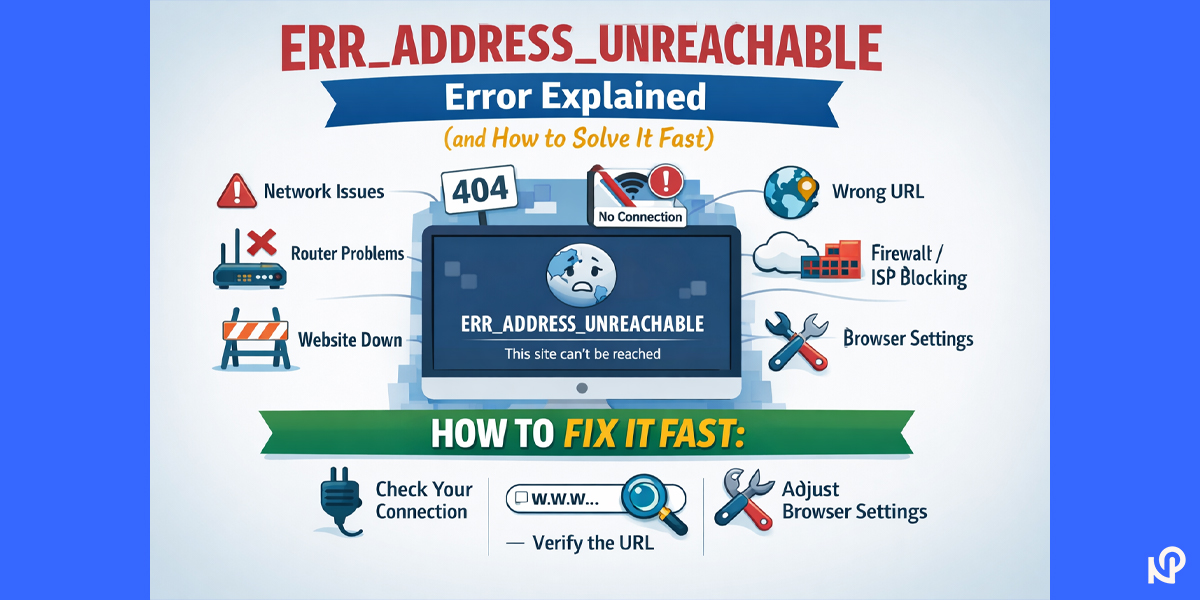
The ERR_ADDRESS_UNREACHABLE error appears when a browser, most commonly Google Chrome, fails to establish a connection with a website’s network address. In simple terms, the browser knows where it wants to go, but it cannot find a working path to reach that destination.
When this happens, Chrome usually displays a message such as “This site can’t be reached” along with the error code. Unlike server errors, this issue does not mean the website has rejected your request. Instead, it indicates that the connection could not be completed at the network level.
What the Error Means in Simple Language
To understand this error without technical jargon, imagine trying to drive to a location using GPS, but every road leading there is blocked. You know the address, but you cannot physically reach it. That is essentially what happens when ERR_ADDRESS_UNREACHABLE appears.
The browser attempts to connect to the website, but something along the way prevents the request from reaching the server. This blockage can occur on your device, within your network, or somewhere between your internet connection and the website.
Why ERR_ADDRESS_UNREACHABLE Happens
There is no single cause behind this error. Instead, it can be triggered by several different issues, often related to local network configuration or browser behavior.
Network Connectivity Problems
Unstable or interrupted internet connections are a frequent cause. Even if your internet seems to work for other websites, a brief disruption or routing issue can prevent access to a specific address.
Corrupted Browser Cache
Browsers store cached files to load websites faster. Over time, this cached data can become outdated or corrupted, which may interfere with new connection requests and cause unreachable address errors.
DNS Resolution Issues
DNS is responsible for translating domain names into IP addresses. If the DNS cache contains incorrect information or the DNS server fails to respond properly, the browser may not know where to send the request.
Proxy or VPN Interference
Proxy servers and VPN services route your traffic through alternative networks. If these services are misconfigured or temporarily unavailable, they can block access to certain websites and trigger this error.
Browser Extensions Conflicts
Some browser extensions, especially security, privacy, or ad‑blocking tools, can interfere with how network requests are handled. A single problematic extension can be enough to stop Chrome from reaching a site.
Router or Modem Issues
Networking devices can occasionally malfunction or hold outdated routing information. When this happens, your device may be unable to establish a proper route to certain addresses.
Quick Checks Before Troubleshooting
Before diving into detailed fixes, it is a good idea to rule out simple causes. Try loading a different website to confirm that your internet connection is active. If possible, open the same address on another browser or device. A quick restart of your computer and router can also resolve temporary glitches.
If the error persists after these basic checks, move on to the solutions below.
How to Fix ERR_ADDRESS_UNREACHABLE Fast
The following solutions are arranged from the simplest to more advanced. In many cases, you will not need to try them all.
Restart Your Router and Modem
Power cycling your networking equipment clears temporary faults and refreshes network routes. Turn off your modem and router, wait about 30 seconds, then turn them back on and allow the connection to fully restore.
Try a Different Browser or Device
Opening the same website on another browser helps identify whether the issue is browser‑specific. If the site loads elsewhere, the problem is likely related to Chrome’s settings or cached data.
Clear Browser Cache and Cookies
Clearing cached images and files forces the browser to request fresh data from the website. This often resolves errors caused by outdated or corrupted files.
Flush the DNS Cache
DNS caches can store incorrect entries. Clearing them ensures that your system retrieves updated address information. This can be done both within Chrome and at the operating system level.
Disable Proxy or VPN Services
Temporarily turning off proxy settings or VPN connections helps determine whether they are blocking the request. If the site loads after disabling them, the issue lies within those configurations.
Disable Browser Extensions
Turning off all extensions and reloading the page is an effective way to detect extension‑related conflicts. Once the site works, you can enable extensions one by one to identify the problematic one.
Use Incognito Mode
Incognito mode runs Chrome without extensions and with a clean session. If the website loads successfully in this mode, cached data or extensions are likely responsible for the error.
Change DNS Servers
Switching to a reliable public DNS service can resolve issues caused by unresponsive or misconfigured DNS providers. This change often improves both reliability and browsing speed.
When the Problem Is Not on Your Side
Sometimes, the ERR_ADDRESS_UNREACHABLE error has nothing to do with your device or network. If the website fails to load on multiple devices and networks, the server itself may be down or misconfigured.
In such cases, the only solution is to wait until the website owner resolves the issue. Checking website status monitoring services can confirm whether the problem is widespread.
How to Prevent ERR_ADDRESS_UNREACHABLE in the Future
While this error cannot always be avoided, a few good practices can reduce the chances of encountering it again. Keep your browser and operating system updated, avoid unnecessary extensions, and clear browsing data periodically. Using stable DNS services and reliable networking equipment also improves overall connection reliability.
Final Thoughts
The ERR_ADDRESS_UNREACHABLE error can be inconvenient, but it is rarely a serious issue. In most cases, it results from temporary network problems, cached data conflicts, or configuration settings that are easy to correct.
By understanding what this error means and following the troubleshooting steps outlined above, you can resolve it quickly and return to browsing without frustration. A calm, methodical approach is often all it takes to fix what initially looks like a complex technical problem.
FAQs
What is ERR_ADDRESS_UNREACHABLE?
It means the browser cannot reach the website’s network address due to a connection or routing issue.
Is ERR_ADDRESS_UNREACHABLE a Chrome-only error?
Yes, this specific error code is mainly shown in Chrome and Chromium-based browsers.
Can DNS issues cause ERR_ADDRESS_UNREACHABLE?
Yes, incorrect or outdated DNS records can prevent the browser from reaching the site.
Does a VPN trigger ERR_ADDRESS_UNREACHABLE?
A misconfigured or unstable VPN can block routing and cause this error.
How can I fix ERR_ADDRESS_UNREACHABLE quickly?
Restart your network, clear browser cache, flush DNS, and disable VPN or extensions.