


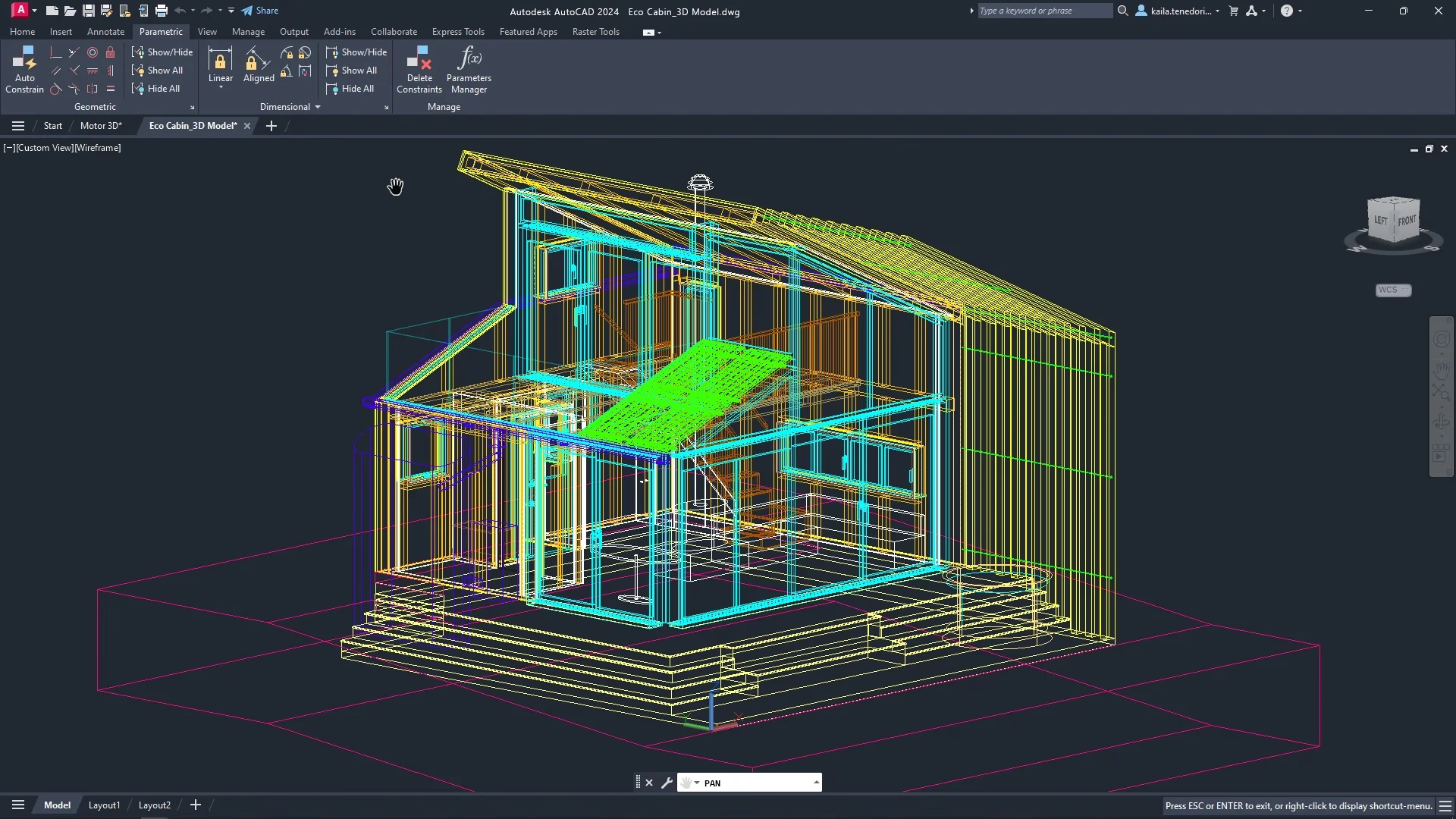
AutoCAD has been among the top software programs used most often in the construction industry for many years. Architects, civil engineers, contractors, design firms, and other building professionals all use this computer-aided design (CAD) software to create precise drawings, coordinate project efforts and communicate detailed technical information to each other. Even though many other platforms have entered the market, such as BIM software and more advanced design models, AutoCAD remains the linchpin for 2D drafting, value creation, detailed documentation, and early-stage design. Here are its key features.
Precision 2D Drafting and Technical Documentation
AutoCAD’s greatest strength is its unrivalled precision regarding two-dimensional (2D) drafting. Construction professionals have been using this software to produce designs that demonstrate the level of accuracy required for the construction of structures, and also to design floor plans, section drawings, elevation drawings, and technical drawings. AutoCAD provides users with the tools necessary to produce accurate dimensions, as well as proper annotations and compliance with construction regulations, all of which reduce the number of errors made on site and allow construction projects to be approved in accordance with regulatory requirements.
But to master these tools, it is advisable to enrol in AutoCAD training by Graitec in order to acquire technical skills and a clear understanding of professional workflows. The AutoCAD course will help you reinforce your competencies so that you can work faster, more accurately, and with full confidence on real construction projects. Moreover, the key advantages of 2D drafting are:
- High-precision dimensioning
- Scalable drawings
- Customisable templates
- Sharp technical annotations
The features discussed herein make AutoCAD a reliable solution for producing precise yet easily interpretable construction documents by all stakeholders.
Advanced 3D Modelling and Visualisation Tools
The tools available in AutoCAD for advanced three-dimensional (3D) modelling and visualisation enable you to move beyond the drafting of 2D drawings and create a more realistic image of an architectural structure and all its embedded components through the process of 3D modelling. You can visualise volumes, analyse and validate the spatial relationship of the different elements of the building. You can identify possible conflicts or flaws in the design before the actual construction takes place.
3D visualisation enhances project communication and helps clients, engineers, and contractors better understand the design intent. It also plays an important role in the early detection of clashes and optimization of design, reducing costly errors during execution. Despite AutoCAD not being a complete BIM platform, its 3D tools maintain a high value at the stages of conceptual design, coordination, and presentation.
Layer Management, Blocks and Standardisation for Large Construction Projects
Efficient organisation is critical on large construction projects with numerous drawings and contributors. Advanced layer management within AutoCAD allows you to manage the visibility, colour, line type, and printing behaviour of every project element with clarity and consistency across all documents.
Blocks are another important component in AutoCAD. They allow you to reuse standard components (doors, windows, electrical symbols, etc.) throughout your projects. Using standard blocks and templates allows you to reduce the amount of time you spend drafting your plans and to keep your plans uniform. Standardising your blocks and templates allows for quality control, easy updates, and better collaboration during the entire project lifecycle.
Collaboration, Automation and Professional Training for Higher Productivity
Collaboration is built into AutoCAD to allow users to work together on a collaborative basis. AutoCAD’s file usability is provided through industry-standard file types (DWGs, DXFs, and PDFs). Xrefs (external references) allow several teams to access the same set of documents (usually a project) at the same time while keeping the file sizes smaller and in sync.
Automation tools like scripts, macros, and custom tool palettes help you work faster by automating repetitive tasks, which reduces the risk of human error. If combined with a structured professional training system, AutoCAD allows you to take advantage of its full capabilities and produce projects much more quickly, accurately, and efficiently.
Can I use AutoCAD alongside BIM software?
Absolutely. Graitec confirms that AutoCAD is often used in parallel with BIM platforms for detailing and documentation.
Is AutoCAD suitable for large construction projects?
Yes. Graitec highlights that layer management, blocks, and Xrefs make AutoCAD highly suitable for complex, multi-team projects.